In REAPER you'd then enable "prefer VST3 over matching VST2" in Preferences → Plug-ins → Compatibility, and old projects will load the VST3 in the VST2's slot. But two honest caveats.
First, the IDs must exactly match the real VST2 dlls — I've defaulted to BPR1/BPR2 (the JSFX UniqueIds, the most likely candidates), but that's an educated guess.
Second, and more importantly: identity matching gets the plugin loaded in the right slot, but the saved settings only transfer if I can parse the old VST2's state format, which is unknown to me — unrecognized chunks currently fall back to defaults safely rather than crashing.
If you still have the old VST2 .dll (or even just an old .rpp project that has one saved in it), upload it — from either one I can extract the true unique ID, and from a saved project chunk I can reverse the state format and write a proper importer so old projects come back with their actual settings, not defaults.
The RPP route is actually ideal since REAPER stores the VST chunk in plain base64 right in the project file.
One identity warning worth repeating: the compat option changes the VST3's ID, so projects you've saved with the current test builds would show "missing plugin" after switching it on. Decide early which identity you want to live with.
то есть, если есть dll старой версии или проект в рипере с оригинальной jsfx, он может разобраться как сохранялись данные.
но и с этим могут быть разные мелкие заморочки, разные ID, может у старого плагина несколько разных версий, может не во всех DAW одинаково работать и т.д




 .
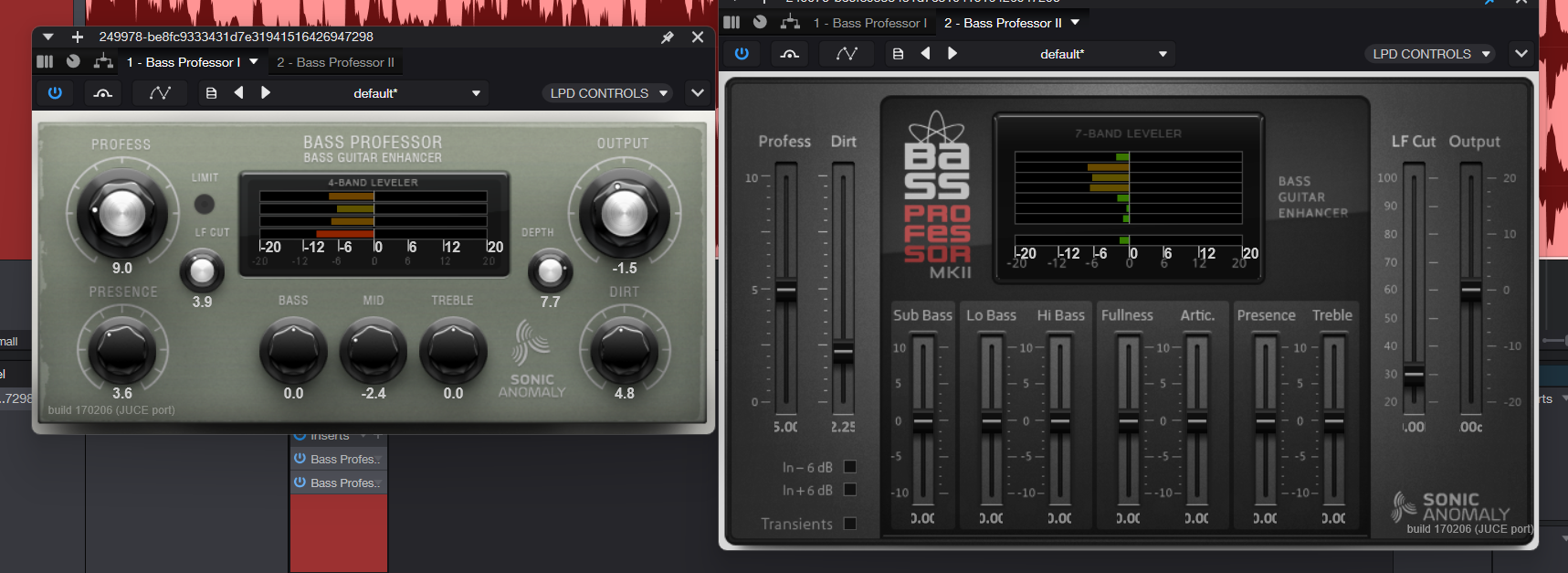
. 


 и выложу
 )
)


